Security signals, mapped with context.
See NIST, CISA, and GitHub security updates together, with the source and context kept clear.
How to use this page
Turn security signals into clear priorities
Threat intelligence helps when it connects to the tools you use, the assets you rely on, and a decision someone owns.
Check if it applies
Match the product, vendor, and affected version to your environment.
Check the source
Review the main advisory, date, known attacks, and limits.
Set the priority
Weigh exposure, business impact, current safeguards, and recovery options.
Regional Activity Map
Source data when available; otherwise illustrative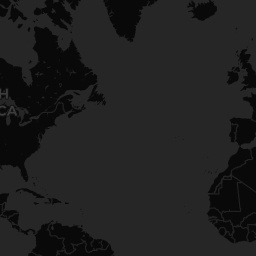







Retrieved CVEs
Source records organized by technical severity for review
Log4Shell: JNDI injection enabling remote code execution
Supply-chain backdoor in XZ Utils compression library
SQL injection exploited at scale by the Cl0p ransomware group
Citrix Bleed: session token leakage exploited in the wild
regreSSHion: signal handler race condition in OpenSSH server
Vulnerability & Advisory Feed
Autonomous AI agents chained vulnerabilities during a cyber-capability evaluation.
Untrusted content can manipulate model instructions and connected tools.
Prompts, logs, and model outputs can expose confidential information.
Untrusted artifacts can introduce malicious code or manipulated behavior.
Change Healthcare ransomware attack (ALPHV/BlackCat, 2024) — documented incident
CVE-2024-3094: supply-chain backdoor discovered in XZ Utils library
Showing 6 of 10 source records
Why this approach matters
From alerts to useful priorities
This view brings sources, exposure, and business context together so teams can act on the risks that matter—not just the loudest alert.
Keep the context. Check the source.
Read the latest reports or review the public security details for a domain you manage.
Use this view to support triage, not replace it. Confirm source details, asset relevance, exposure, and business impact before deciding what to do next.